
You know when you’ve published a post. What you don’t have, in that moment, is everything you need to go promote it.
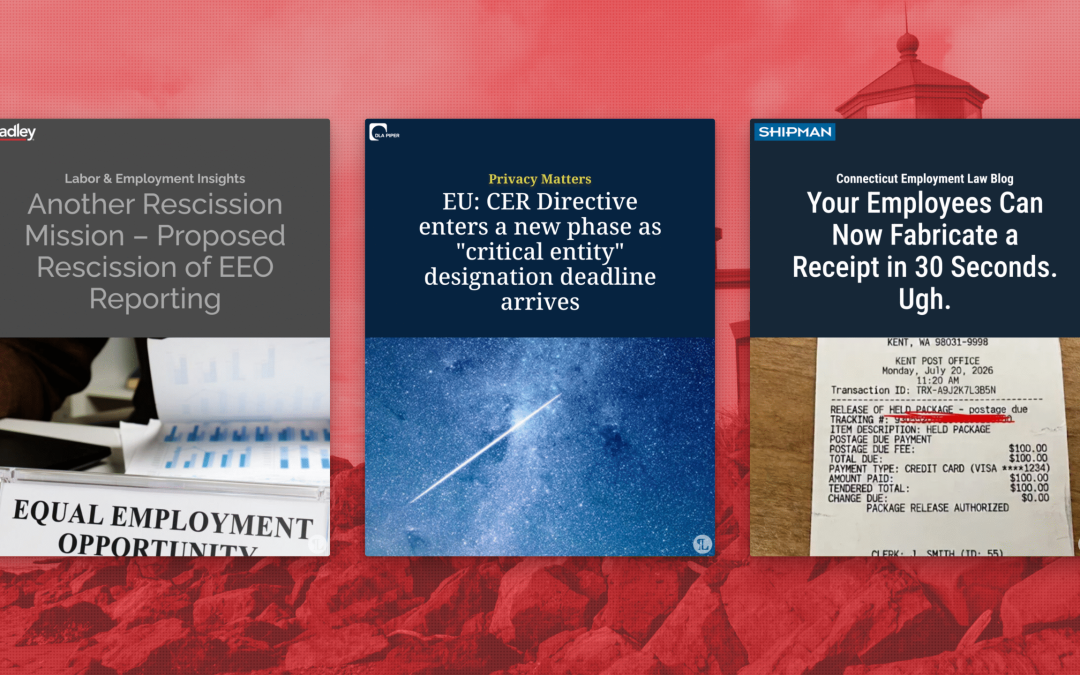
That’s what changes now. Publish on the LexBlog Platform and you’ll get an email with the link to your post, a link to its syndicated version in the Library at LexBlog—where it’s passed along to our research partners at HeinOnline and vLex—and a firm-branded image built for sharing. Blog admins get it too.
The share image
This is the part I’ve been most excited about.
Social platforms suppress link posts. It’s annoying that you have to work around it, but the standard is clear: attach an image to the post and put the link in the comments. The winning format is 4:5 portrait, because it takes up more vertical space in the feed.
So every post now generates a 4:5 image drawn from your publication’s branding—post title, blog title, firm logo and your featured image when you’ve got one. No design request, no Canva session, no waiting on marketing. It’s in your inbox with the post.
This builds on our Social Cards work and, before that, the Apple Fritter blog-building platform that knows what your publication is supposed to look like. Real material upgrades for real publishers.
How to actually share it
- Download the image from the email.
- Create a post on LinkedIn (or wherever) using the image, with your commentary.
- Drop the link to your post in the first comment, or in the caption.
That’s the whole tactic. It works because the platform reads it as native content rather than an exit ramp.
A few details
Authors can opt out on their user profile. If you publish the same post across multiple blogs, we won’t email you twice in a row about it. And administrators can adjust the email content for their publication.
If the share image doesn’t look right—wrong logo, off colors, cropped strangely—open a support request and we’ll sort it out. The branding pulls from your publication settings, so it’s almost always a quick fix.
Publish something and see what shows up.
Recent Comments