
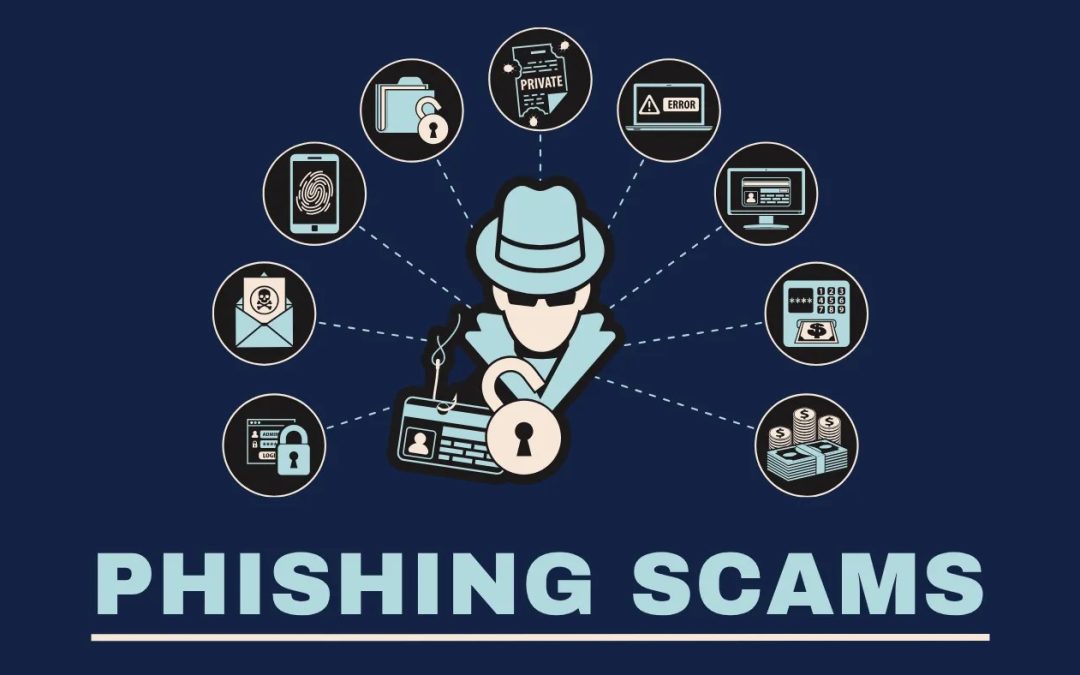
Phishing is a type of cyberattack where malicious actors send fraudulent emails that appear to be from legitimate and trusted sources. These scams target Veterans to steal benefits, healthcare information, and other personally identifiable information. VA urges Veterans, their families and advocates to be aware of phishing, including signs and prevention strategies.
Types of phishing attacks
Email phishing is the most common type of attack, but fraudsters are always developing new ways to target Veterans and their families. VA has identified the various phishing tactics that can be used to conduct these scams.
- Whaling (Email): Email attack, which targets specific individuals using highly personalized messages to steal sensitive information or access secure systems.
- Vishing (Voice Call): AI-generated deep-fake phone calls that impersonate colleagues or legitimate organizations such as government agencies to trick individuals into providing personal information.
- Smishing (Text Message): Fraudulent text messages that appear to be from authentic sources and prompt the victim to click on malicious links.
- Quishing (QR Code): Malicious Quick Response (QR) codes placed in communications to direct victims to a fraudulent website or initiate a harmful action, such as downloading hazardous software.
- Evil Twin Phishing (Wi-Fi): Fake Wi-Fi access points that mimic legitimate networks to steal data or install malware. Once a user connects, fraudsters can intercept information sent by the victim, including logins, personal information, and other sensitive data. Wi-Fi networks may appear identical to another authentic network, which is why the scam is titled “Evil Twin.” This type of attack is especially common in public areas where free Wi-Fi networks are available.
Know the signs to spot the scam
Phishing emails may look official and even include the VA seal or logo to fake authenticity. However, there are many signs that can indicate an email might be a phishing attempt. Here are some of the most common indicators.
- Incorrect email addresses, which may contain inconsistent or fake sender email addresses or domain names. These addresses often appear to be legitimate, trusted sources but may have slight variations, such as extra characters or misspellings.
- Suspicious links that are made to look like they are from a legitimate organization. This is a type of link manipulation that can involve misspelled URLs, subdomains, or other techniques. These links may direct you to malicious websites or initiate harmful downloads.
- Poor grammar, misspellings, or unusual punctuation can be a red flag indicating that the email is not from a legitimate source.
- Requests for personal information, including but not limited to usernames, passwords, credit card numbers or Social Security numbers.
- Unfamiliar greetings using generic or awkward language, like “Dear Customer” or “Hello User” instead of using your name. Sometimes, they might skip the greeting entirely and jump straight into the message.
- Urgent language to create a sense of urgency or fear to manipulate recipients. Emails may claim your account will be locked, your personal information has been compromised, or that you owe money and need to act immediately.
How to stay safe and avoid phishing scams
Practicing safe online behavior can help protect Veterans from falling victim to phishing scams. Incorporate the following procedures into your online habits to safeguard benefits and personal information.
- Pause before you click: Verify the sender and the request. Don’t click on email links from unknown sources.
- Hover over links: Check the URL is real before selecting it. Make sure you see “https://” in the address; the “s” stands for “secure.” Malicious websites may look identical to a legitimate site, but the URL may vary in spelling or be sourced from a different domain.
- Keep credentials private: Never share passwords or sensitive information via email or chat. Use multi-factor authentication on all apps, accounts, and social platforms that offer it.
- Report suspicious messages: Use your email client’s built-in reporting feature (such as Report Phishing, Report Spam, or Report Junk) to flag them.
- Never reveal personal or financial information in an email: If you’re unsure whether an email is legitimate, try to verify it by contacting the company or sender directly through a different communication mechanism (e.g., a text or phone call).
- Monitor your online accounts regularly: Watch for suspicious activity, like unauthorized transactions or log-ins.
- Secure your computer: Keep your browser, installed programs and security software updated, and enable auto updates of security patches. Block pop-up windows in your browser and never click links in them.
Additional resources and fraud reporting guidance
The following articles from DigitalVA provide more information on phishing and related scams.
- Phishing, without rods
- Impersonation is everywhere: Guard yourself!
- How to protect yourself from cyber-attacks and scams
If you miss a VA benefits payment, notice a discrepancy or suspect suspicious activity with your direct deposit, contact VA right away at 1-800-827-1000.
If you suspect you have experienced fraud, you can find out more and report the incident to the appropriate agency at VSAFE.gov or by calling 1-833-38V-SAFE.
Recent Comments